Webhooks: real-time order updates for every store
Get notified the moment an application at your store changes status. Set it up yourself from the Merchant Portal.
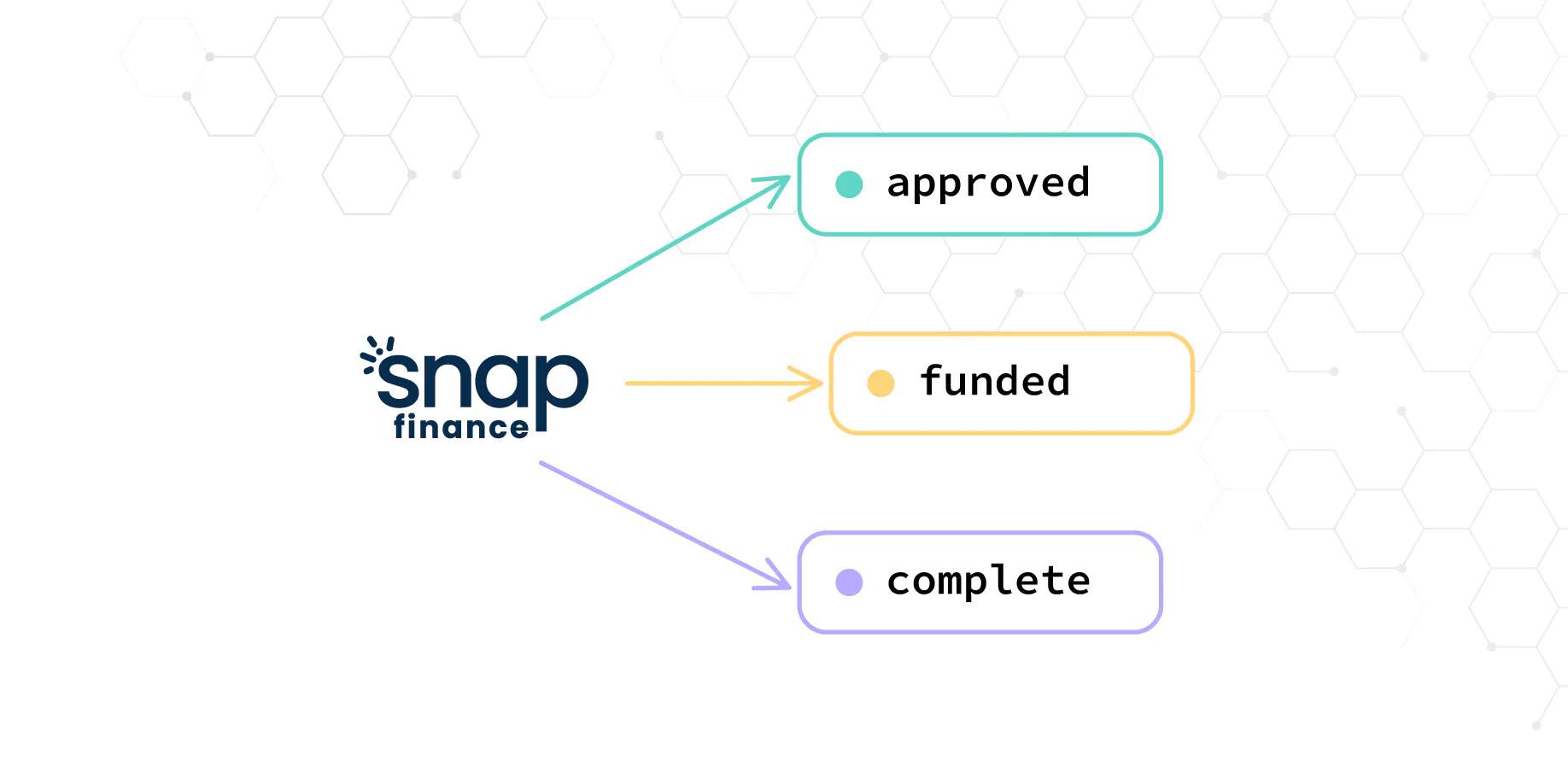
Knowing the moment a customer is approved, signs their agreement, or when you’ve been paid lets you ship sooner, keep customers informed and keep your books up to date. Until now, getting those updates meant checking the Merchant Portal or calling the Status API.
Today we’re introducing webhooks for every store. Register an endpoint and Snap will send you an event the moment an application at your store changes status.
What you get
Events for every key status
Pending, approved, approved with conditions, declined, awaiting documents, awaiting delivery, complete, withdrawn, and funded when Snap pays you.
The details that matter
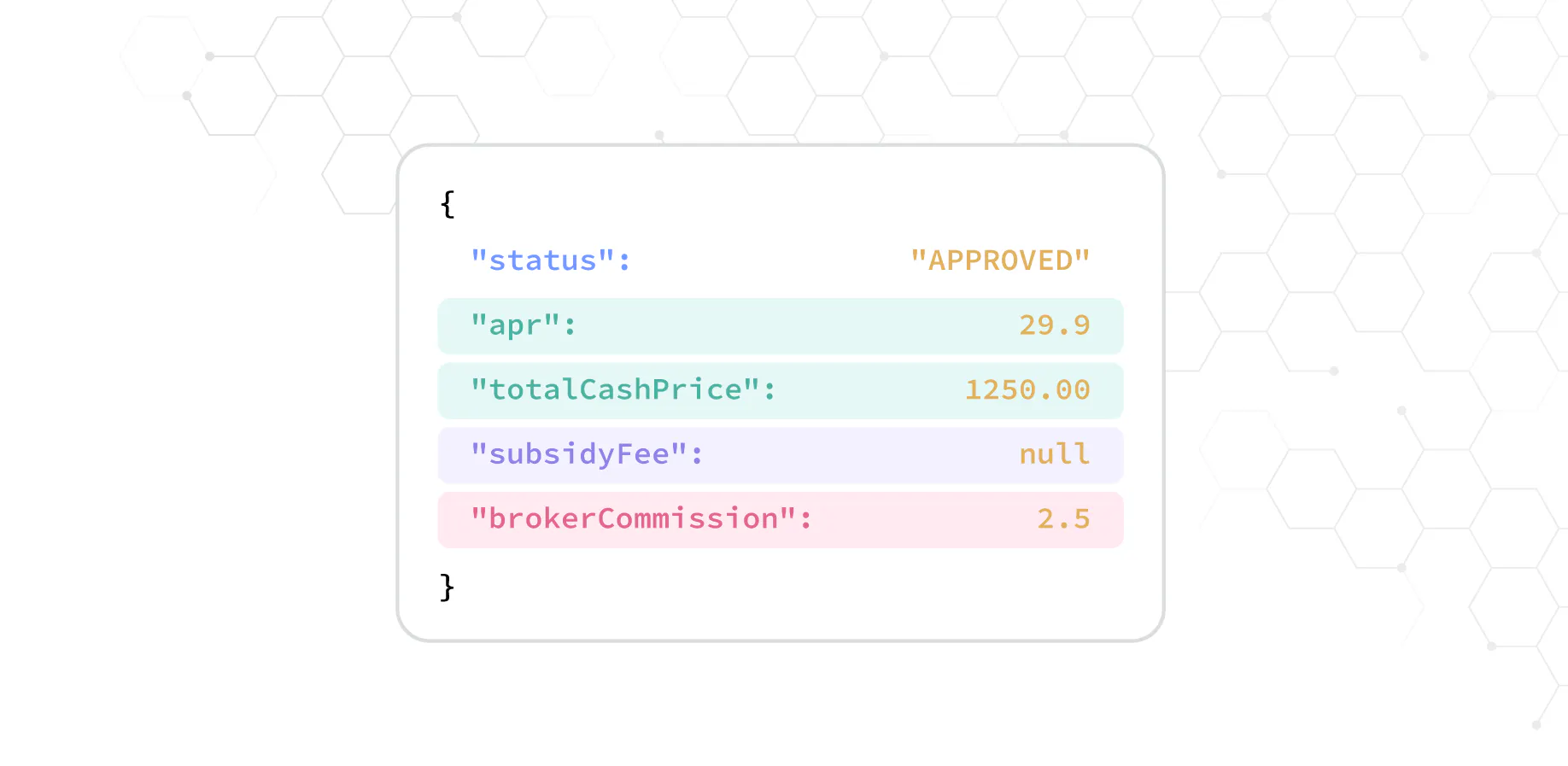
Each event includes the application references and the details for that status: the approved amount and term, the decline reason, what verification is needed, when an approval expires, or the funding reference for your payment.
Self-service setup
A new Webhooks section in the Merchant Portal lets you add endpoints, choose which events each one receives, and see every delivery. If your endpoint was down, you can resend failed deliveries once it’s back.
Signed requests
Every delivery is signed, so you can confirm it came from Snap before you act on it.
Getting started
- Ask your account manager to enable webhooks for your store.
- Make sure the person setting them up has the Access Webhooks permission in the Merchant Portal.
- Open Webhooks in the portal and add your HTTPS endpoint.
- Verify the signature on each request, then respond quickly.
Read the docs
Our new Webhooks guide covers access, setup, signature verification, every event and its fields, and best practices for handling duplicates and testing in the sandbox.