No code
Checkout plugins
For stores built on Shopify, Magento 2 or WordPress / WooCommerce.
- Install and configure from your store admin
- Switch to the sandbox from the plugin settings
- Orders appear in your store admin as normal
Snap Finance UK for developers
Offer Snap Finance at checkout with a drop-in JavaScript SDK, REST APIs for decisioning and order status, webhooks for real-time updates, or ready-made plugins for Shopify, Magento and WordPress.
<!-- 1. Load the SDK in your <head> -->
<script
  src="https://sandbox-sdk.snapfinance.co.uk/v1/snapuk.min.js"
></script>

<!-- 2. Add a container for the button -->
<div id="snap-uk-checkout"></div>

<!-- 3. Initialise Snap and render checkout -->
<script>
  snapuk.init(clientId);

  snapuk.checkout.button({
    merchantId: merchantId,
    transaction: transaction,
    onApproved: (applicationId, token) => {
      // Call your backend.
      // Verify from there with the Status API.
      // Then update the order
    },
  });
</script>Choose your integration
Pick the route that fits how your store is built. Every option uses the same sandbox and the same application journey.
For stores built on Shopify, Magento 2 or WordPress / WooCommerce.
For custom storefronts where you control the checkout page, with the Status API and webhooks to keep your orders in sync.
For embedding Snap decisioning in your own application journey.
Quickstart
Every integration follows the same path: build against the sandbox, test the full journey, then switch to production.
Your Snap Finance account manager will issue sandbox credentials, such as your Client ID and Merchant ID.
Pick a plugin, the SDK or the Partner API and point it at the sandbox environment.
Choose an integrationRun test applications with decisioning controls. The sandbox uses the same decisioning engine as production.
Sandbox testing guideSwap sandbox URLs and credentials for production ones, then take your first live order.
Changelog
New features, integration changes and releases from the Snap Finance team.
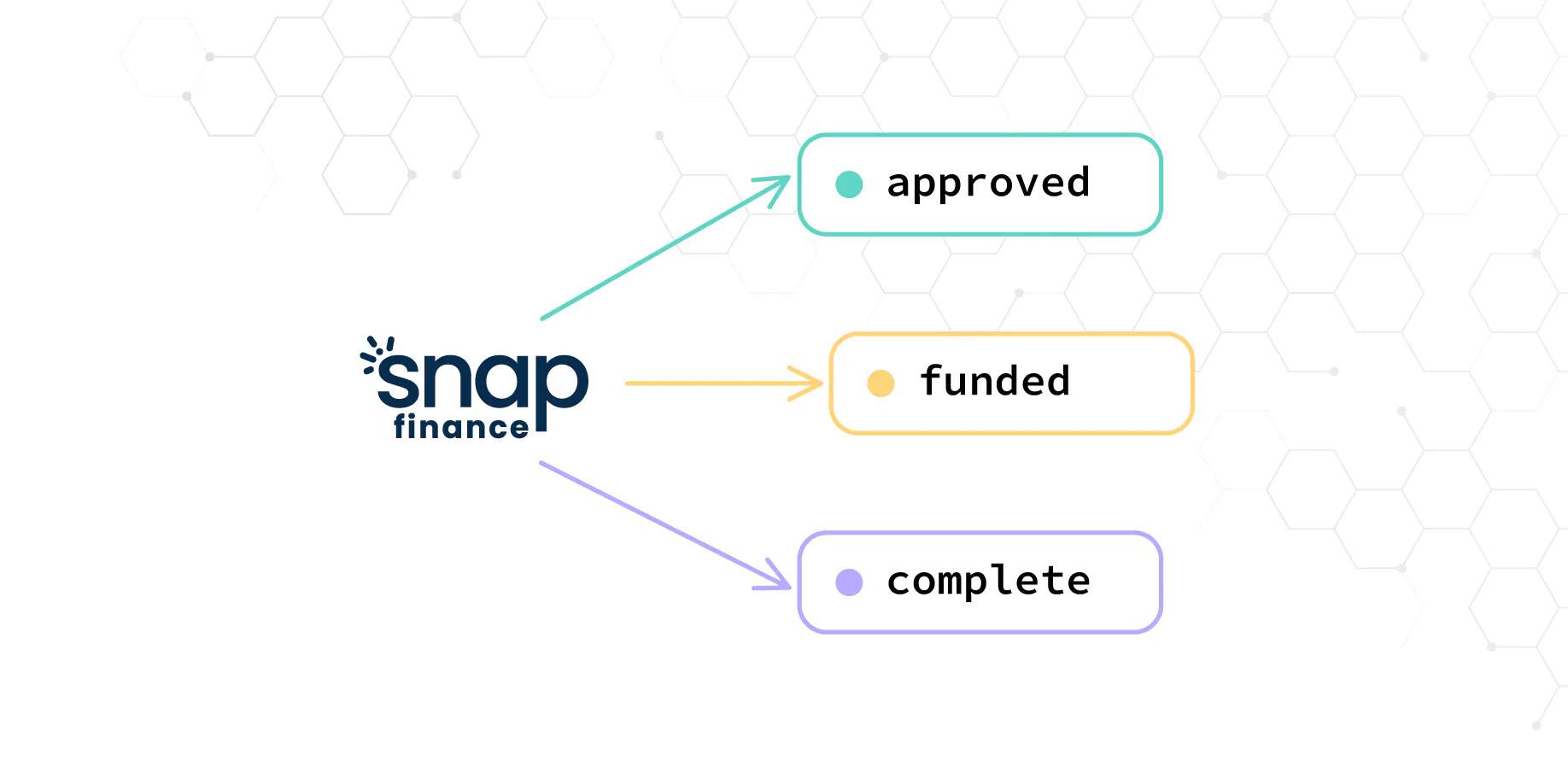
Get notified the moment an application at your store changes status. Set it up yourself from the Merchant Portal.
Read post
The developer site now has a dark theme. It follows your system setting, remembers your choice and covers every page, and AI helped us build it in a matter of hours.
Read post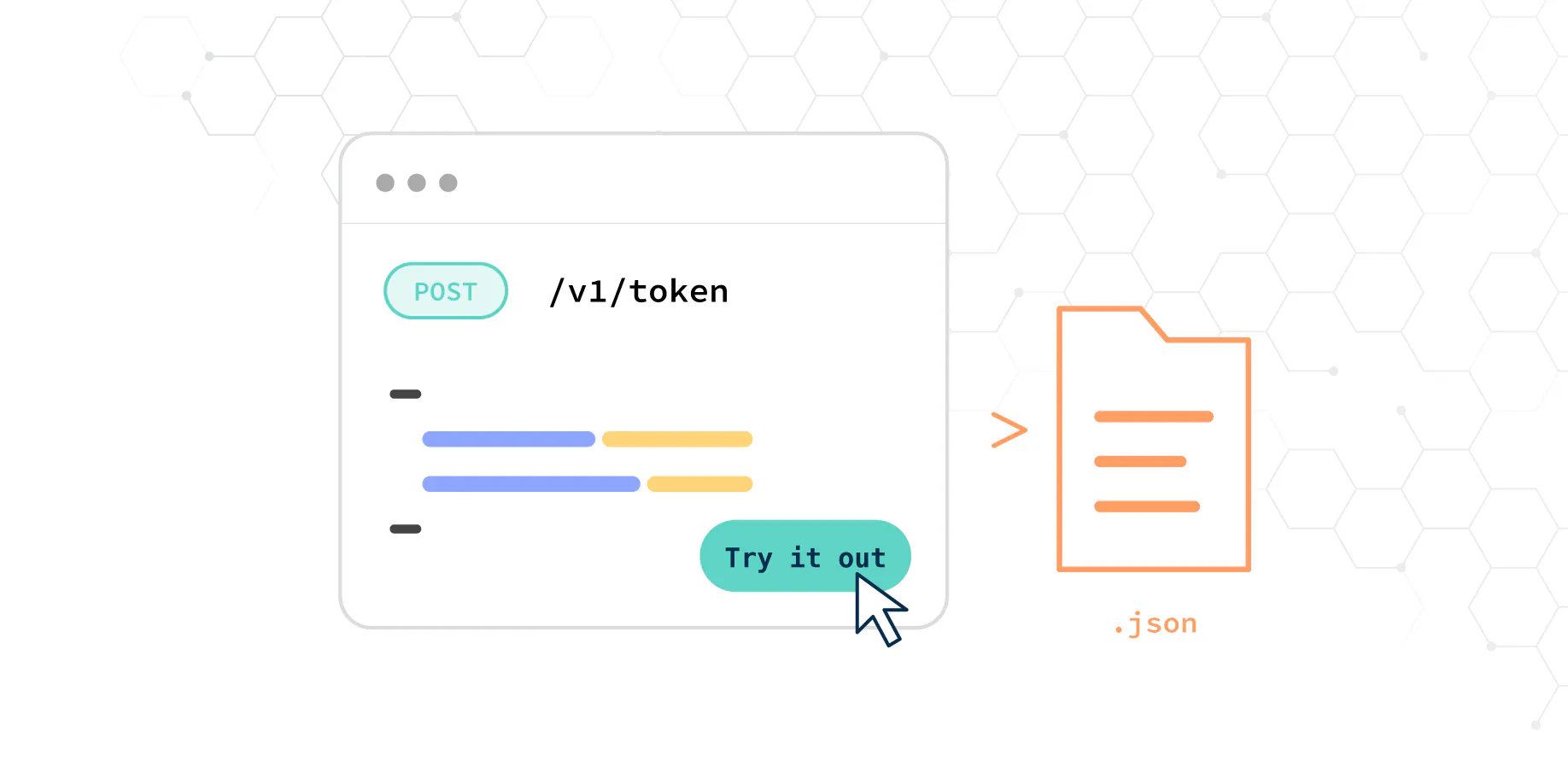
The Partner API reference now lets you send real sandbox requests from the page, and download a ready-made Postman collection.
Read post Shopify
 Magento 2
 WordPress