Partner API: new Refund and Amendment endpoints
Partners can now refund an application and amend a basket after approval, without calling us.
Plans change after a customer is approved. They add an item, swap a product or return something. Until now, handling those changes meant getting in touch with Snap.
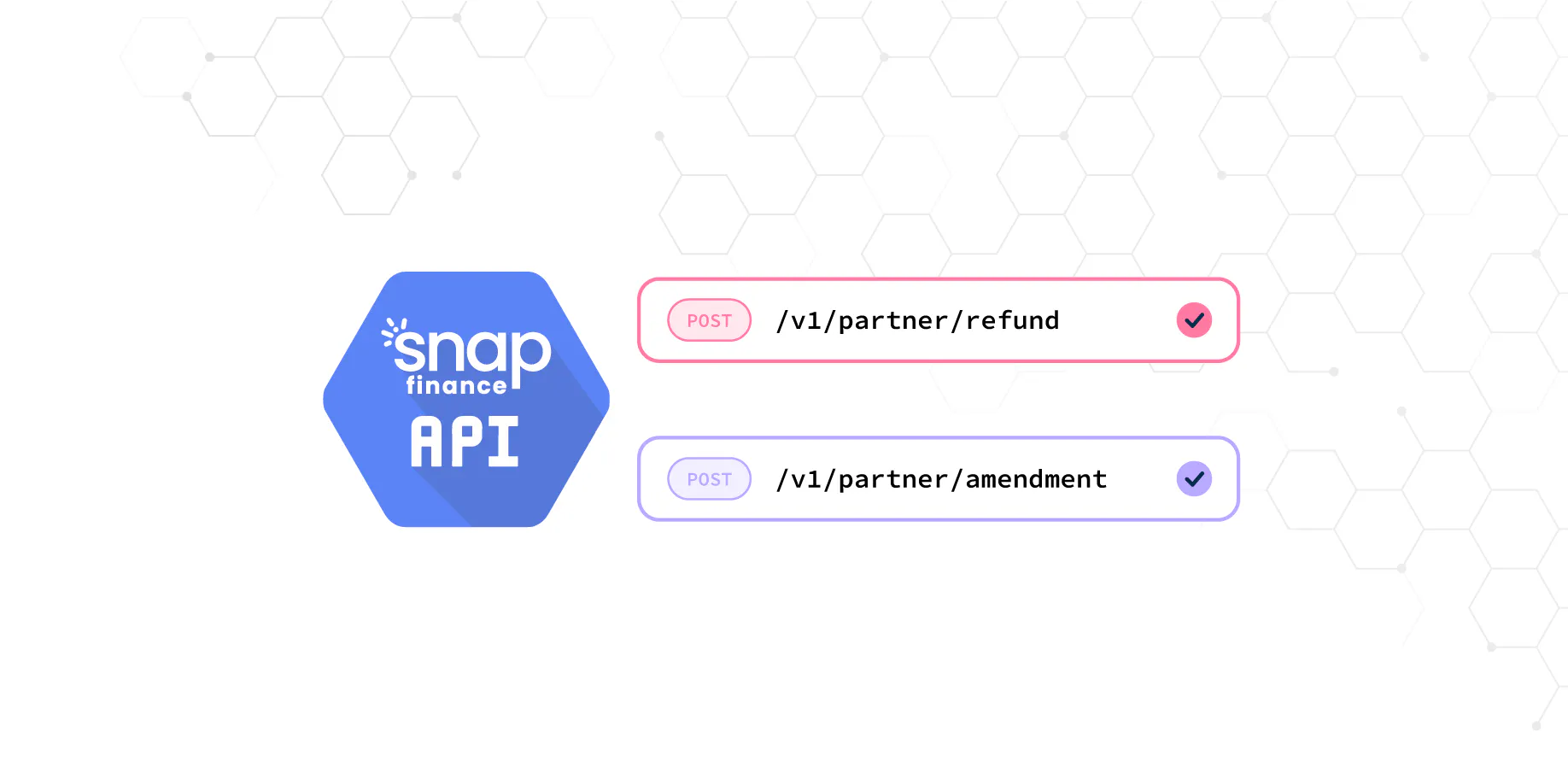
Two new Partner API endpoints let you handle the most common after-sale changes yourself, straight from your system: Refund and Amendment.
Refund an application
POST /v1/partner/refund requests a refund for an application. Send your partnerId, partnerRetailerId and partnerAppId to identify the application, plus the amount to refund and a reason.
Amend an application
POST /v1/partner/amendment changes an application after approval. Send the new invoiceId, the updated loanDetails and the new basket, and Snap returns a decision on the amended application. The customer receives a variation notice explaining the change to their agreement.
Which one should I use?
Use Amendment when the basket changes
If the customer changes what they’re buying, send an amendment with the new basket and loan details. Snap makes a new decision on the amended amount, so the agreement always matches the order. As with new applications, loanAmount must be at least £250, and totalCashPrice must equal loanAmount plus deposit.
Use Refund when money goes back to the customer
If goods are returned or the customer is owed money, request a refund for that amount, with a short reason your team and ours will recognise later.
Both endpoints use the same token as the rest of the Partner API, and both return a message confirming what Snap did.
Also new
Optional fields on applications
Bank sort code, bank account number and monthlyRentMortgage are now optional on POST /v1/partner/applications, so you can create applications even when you don’t collect that information up front.
Clearer responses
Declined responses now include the application ID, so you can always link a response to a Snap application.
Get started
- Request a token as usual with your client credentials.
- Try both endpoints from the reference with Try it out, or with the Postman collection.
- Add them to your after-sale flows.