Try Partner API requests from the docs, or import them into Postman
The Partner API reference now lets you send real sandbox requests from the page, and download a ready-made Postman collection.
Reading about an endpoint is good. Calling it is better. The fastest way to understand an API is to send a request and look at what comes back.
The Partner API reference now gives you two ways to do that before you write a line of code: Try it out, right in the docs, and a ready-made Postman collection.
Try it out
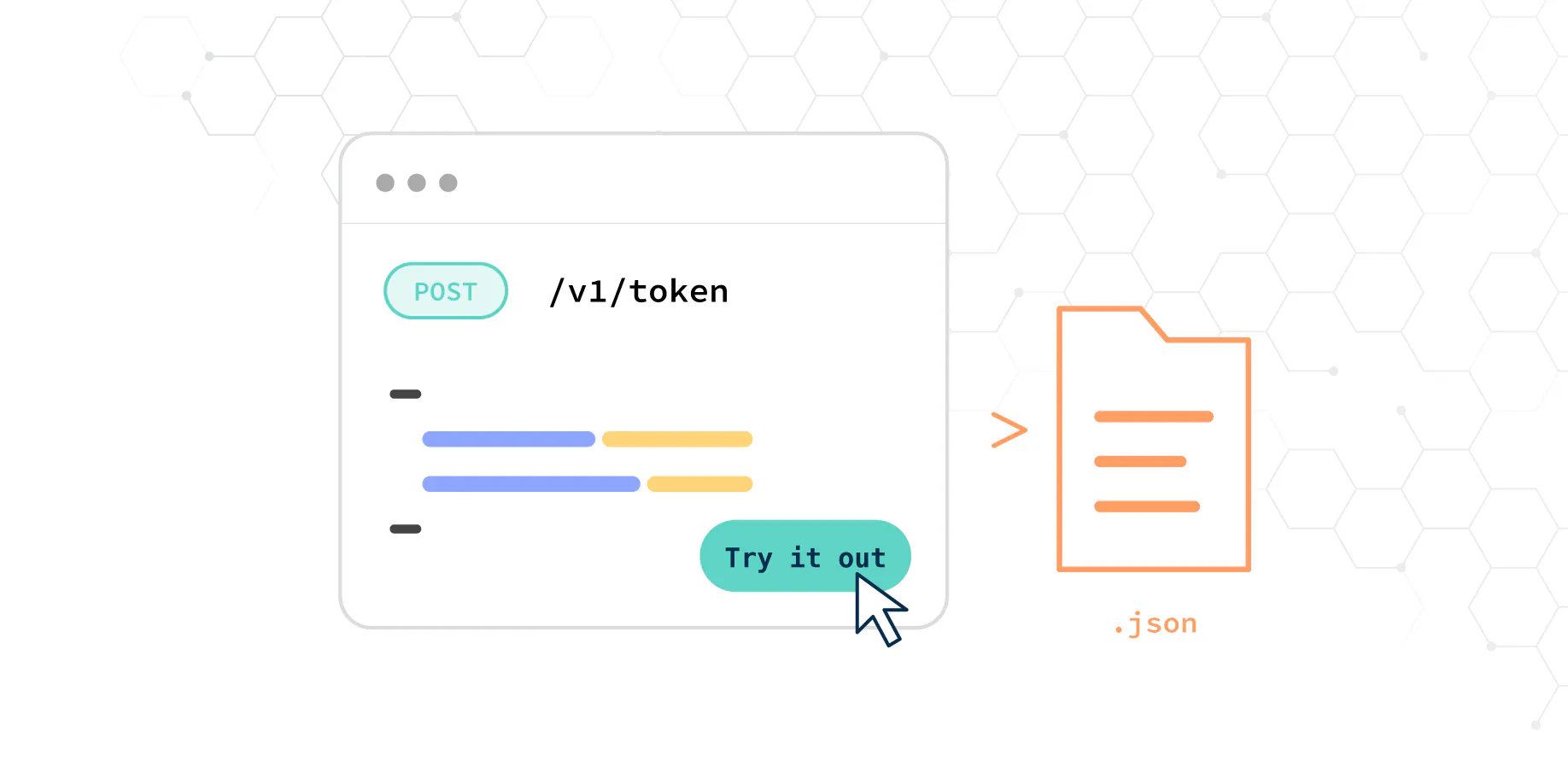
Every endpoint in the reference has a Try it out button. It opens the request with the example body already filled in, so you only need to add your sandbox credentials.
- Start with the token endpoint. Send your client ID and secret, and the token is saved for you automatically.
- Open any other endpoint and press Try it out.
- Edit the body if you like, send it, and see the real response from the sandbox.
Requests go to the sandbox, so you can experiment freely without affecting real customers.
Postman collection
Prefer Postman? Download the collection from the reference and import it. It’s generated from the same OpenAPI specification as the docs, so it always matches them.
What’s included
- Every Partner API endpoint, with example request bodies.
- Collection variables for your credentials, filled into every request for you.
- A token request that saves the token automatically and sends it with every other request.
- A baseUrl variable that points to the sandbox, which you change when you’re ready for production.
Get started
You’ll need the sandbox credentials from your onboarding. If you don’t have them, ask your account manager.