Introducing the Snap Account Portal
Your customers now have one place to manage their Snap agreements: check balances, make payments and get help, on any device.
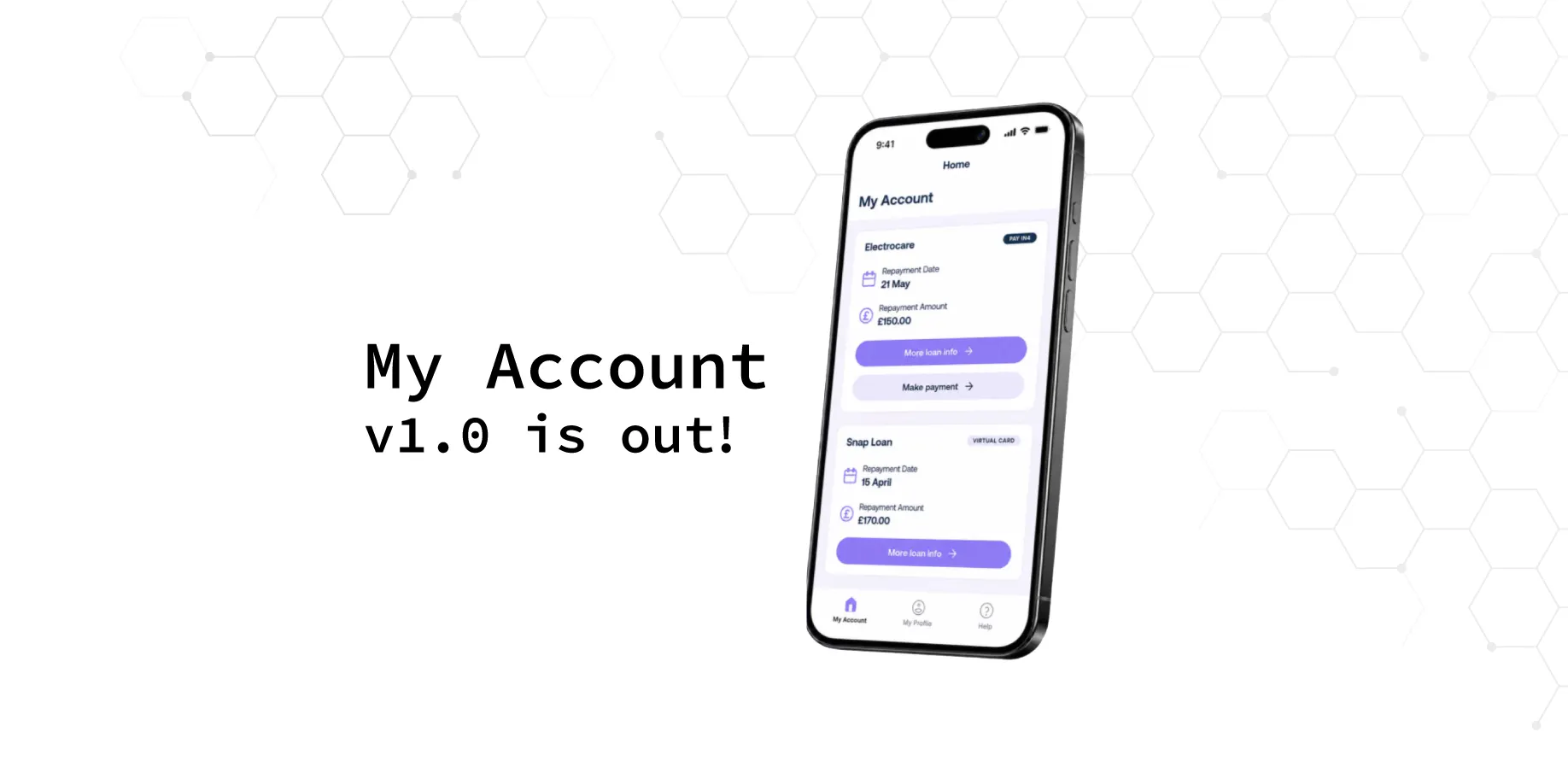
Today we’re launching the Snap Account Portal, a new home for customers to manage their finance after they’ve checked out at your store.
Once a customer has bought with Snap, they have questions: when is my next payment, how much is left, where’s my agreement? Without an easy place to find the answers, those questions often end up with you. The Account Portal gives customers clear, self-service answers, so fewer of them land on your support team.
What customers can do
See their loans
Balances, upcoming payments and the full transaction history for every agreement, with the store each one came from.
Make a payment
Pay securely by card at any time. If a payment is missed, the portal shows a clear notification and the options to get back on track.
Manage their details
Update personal information, view their agreements and choose marketing preferences.
Get help
Browse help topics, or talk to our team over live chat.
Use it like an app
The portal works on desktop and mobile, and can be installed on the home screen like an app.
How customers get access
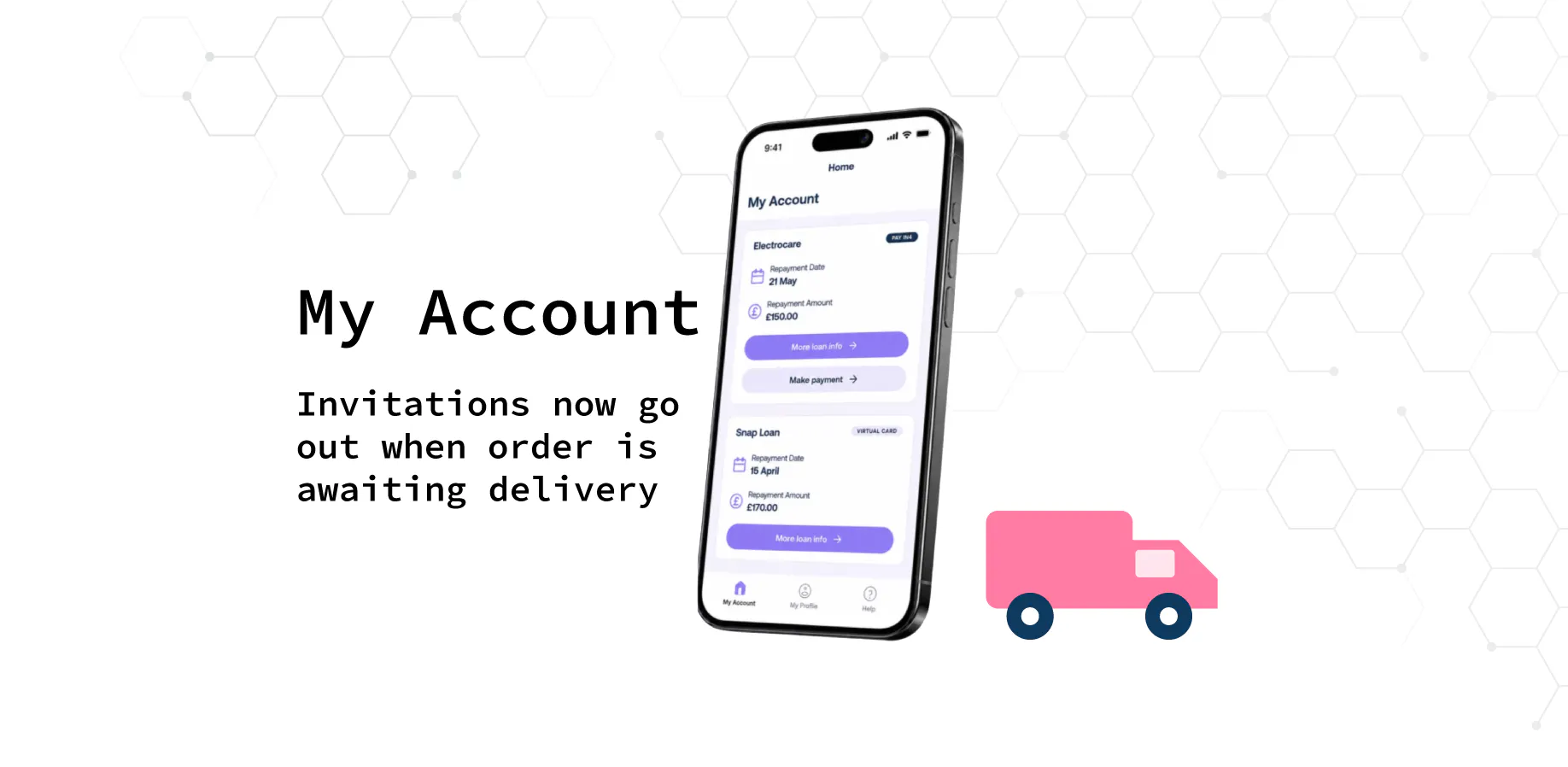
Access is by invitation only. When an application reaches pending delivery, after the customer has signed their agreement documents, we email them an invitation to the Account Portal. Following that invitation is the only way to create a login.
That means every customer with an active agreement gets access automatically, at the moment it becomes useful to them. There’s nothing for you to set up.
How you can help
- If a customer asks how to manage their Snap finance, point them to the Account Portal invitation in their inbox.
- If they can’t find it, it’s worth checking spam folders. Our customer team can help with anything else.
We’ll keep adding to the Account Portal over the coming months, and we’ll share updates here.